


01
News cards
Turn articles and issues into a concise visual story for social media.

AI news cards and product pages with Pulitzer Creative Studio
Start with an idea, an article link or a product photo. Create through conversation, then make it your own.
Sign in to create · Review credits before runningGive the same material a different story and design for every purpose.
Turn articles and issues into a concise visual story for social media.
Build a product story around its images, features and use cases.
Connect your values, people and story with a coherent visual direction.
Explain a process through clear steps and practical highlights.
Bring benefits, dates and participation details into focus.
Visualize the figures and insights in your source material.
Layout illustrations, not generated results. Example figures and offers are illustrative only.
Images and copy are composed around the material and purpose. These Korean-language samples were created with the Creative Studio generation workflow.
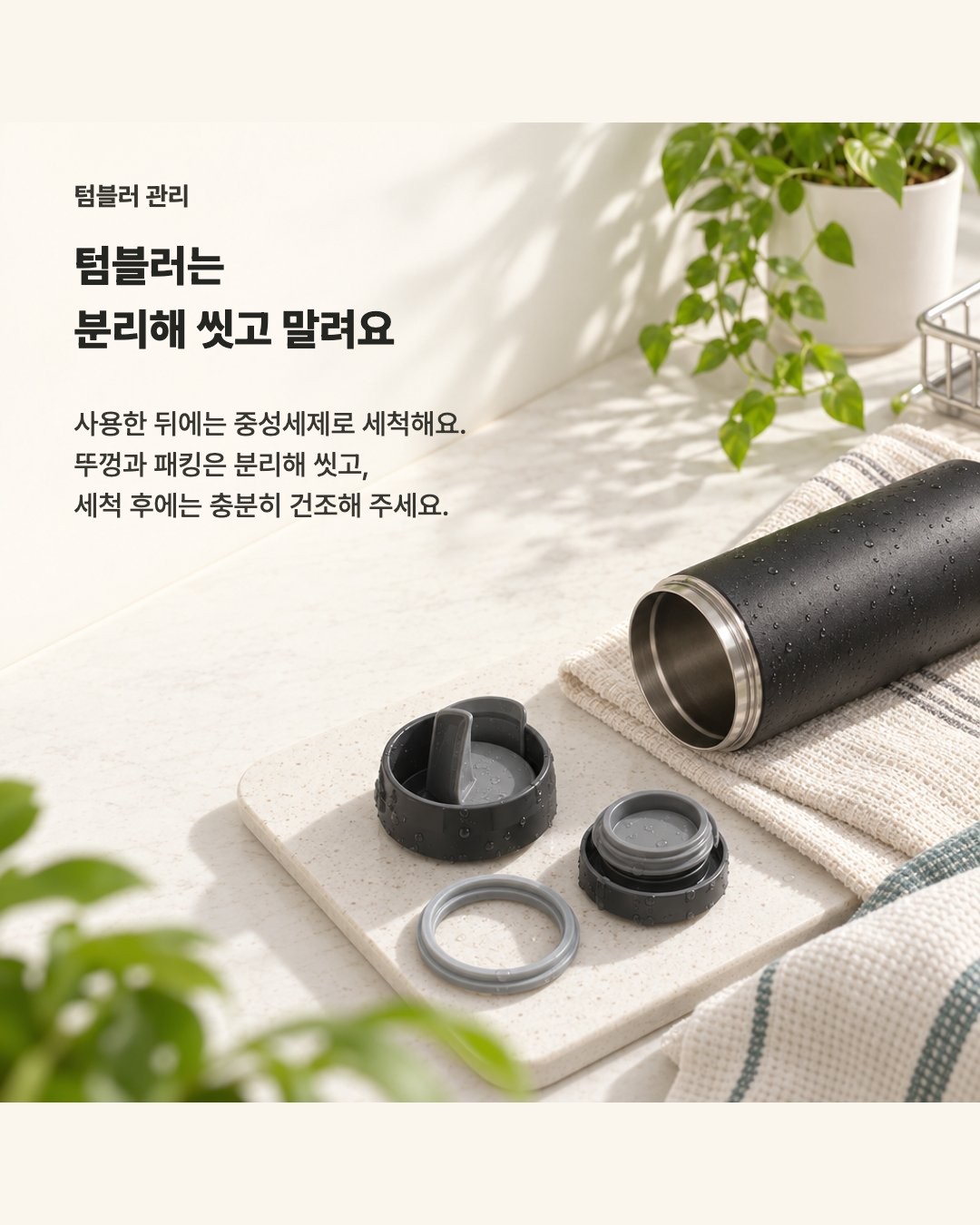
A card created from tumbler washing and drying instructions, suitable for product care guides and social content.
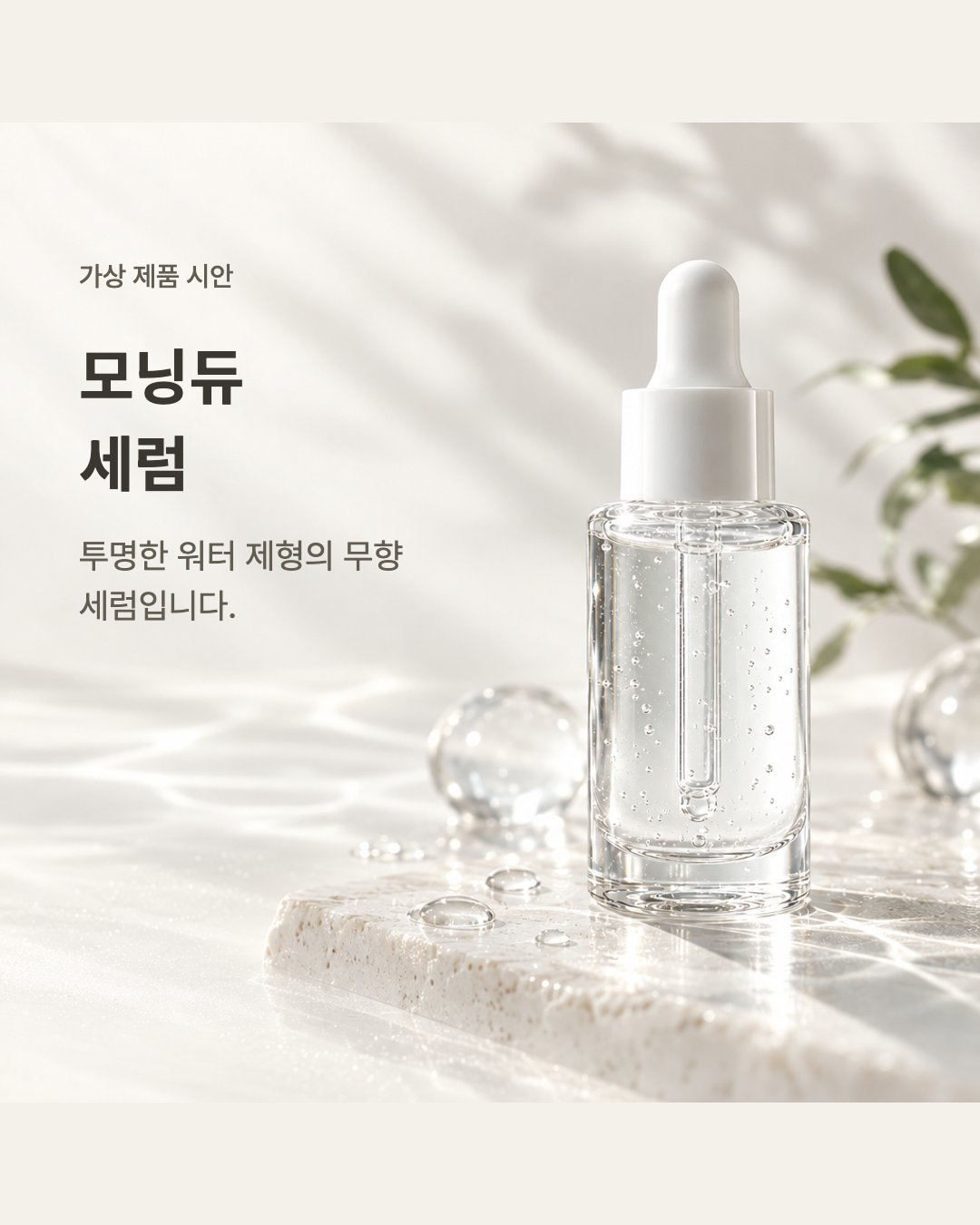
A fictional serum concept based on its size, texture and usage. For real products, provide verified descriptions and images you have rights to use.
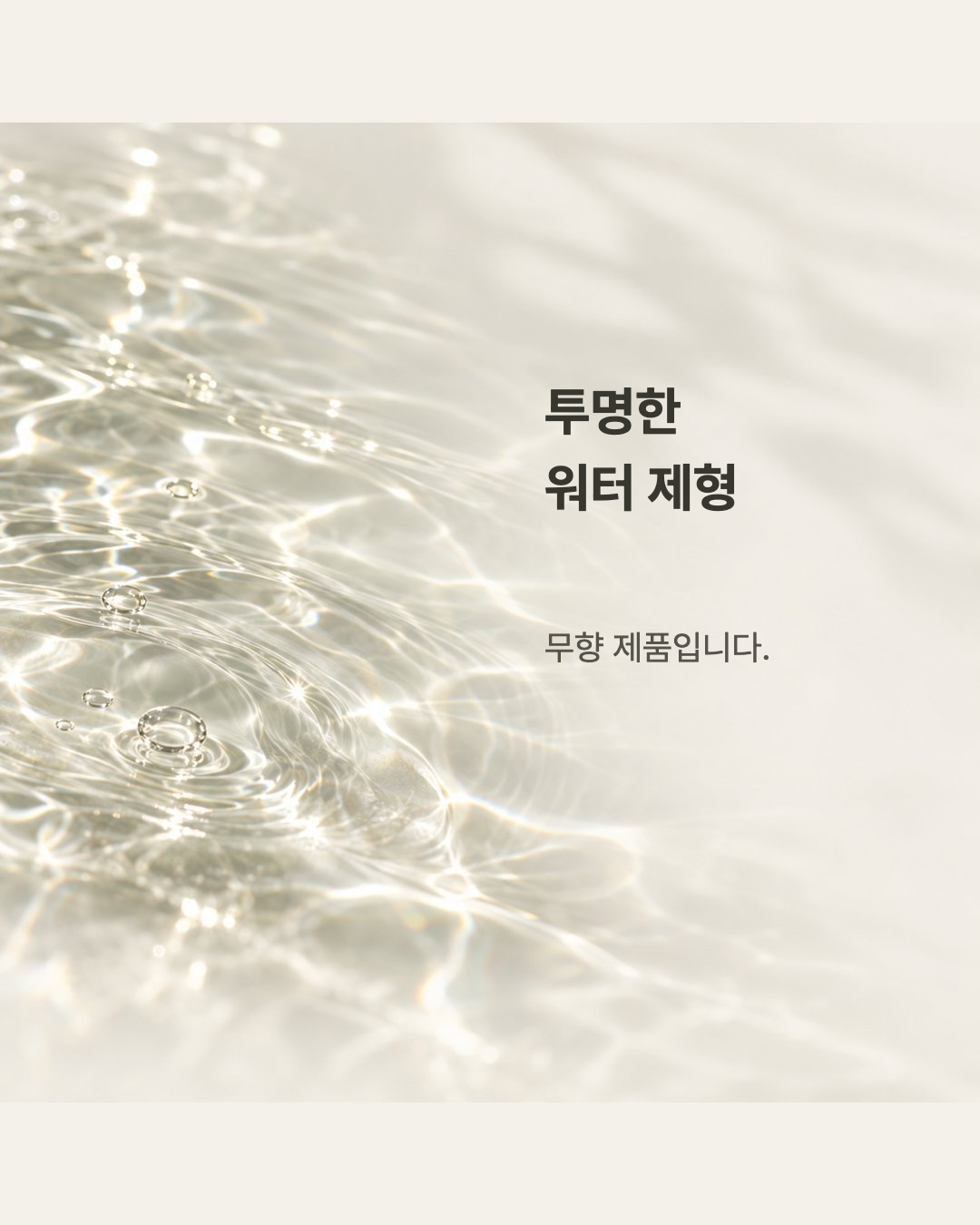
Continue the story with texture and usage sections, using a shared palette and layout direction for a connected product page.
AI-generated examples, not customer case studies or evidence of product efficacy. Results vary by input. Select an image to view the original.
Send text, links, images or PDF and DOCX files in chat.
Describe the mood and purpose. Review the credit quote before starting.
Edit through chat or adjust text and images directly. Reopen saved projects and export PDF or PNG.
AI generation and edits use credits based on the task. Review the amount before running. Viewing results and manual edits do not use credits.
Explore credits →Describe what you want in chat. After generation, you can edit the copy, image placement and size.
Use verified product descriptions, images you have rights to use and readable PDF or DOCX files. Restricted links may not be accessible.
Check factual accuracy, wording and image rights before publishing. This is a beta service; review and refine the result.
No perfect brief needed. Start with a single line.
Open Creative Studio ↗